AI image generator for game art
Describe a character, an item, a creature or a scene and get an image you can put in your game. Choose from six image models, switch on pixel art for sprite-sized results, and remove the background for free.
From 1 credit per image. $1 = 100 credits.
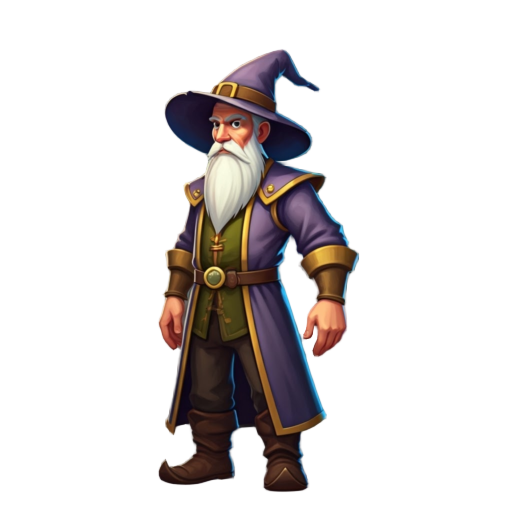
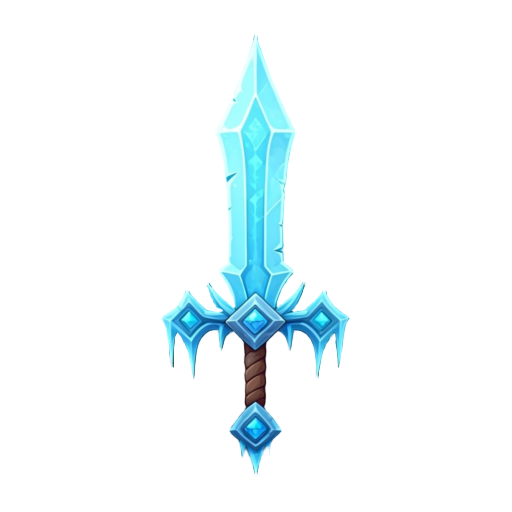
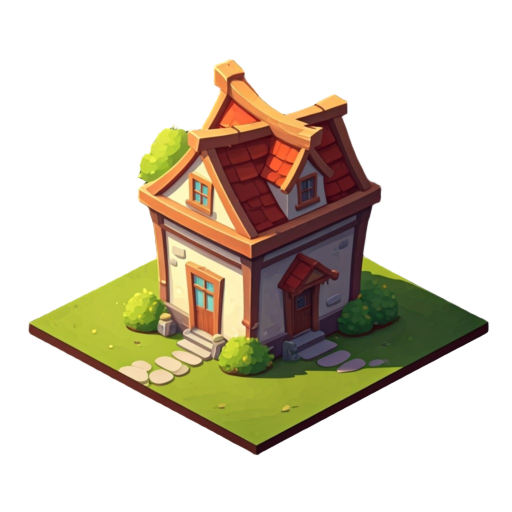
A game asset generator for every part of your game
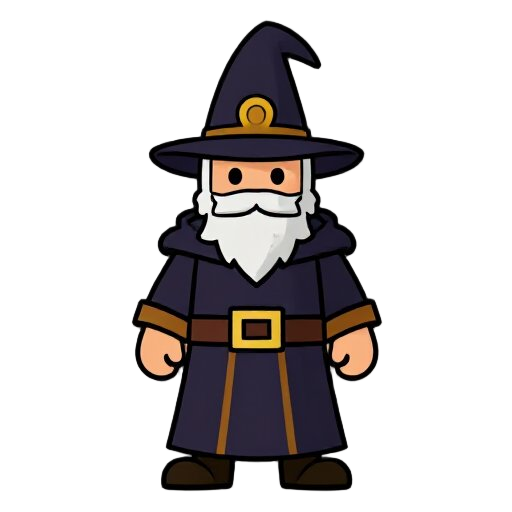
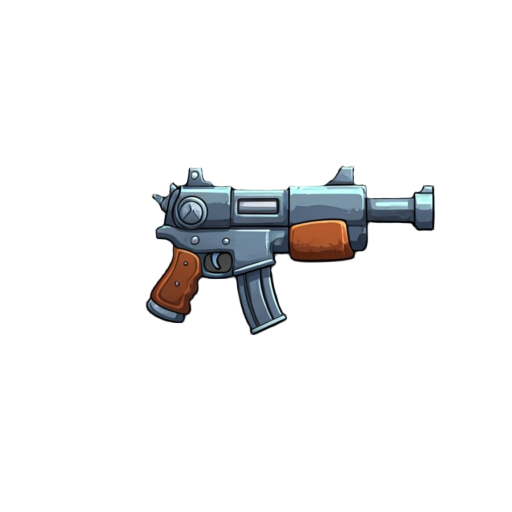
Set the type to character, object, UI or artwork, pick a style such as pixel art, cartoon, anime, watercolor or low-poly, and write what you want in plain words.

Six models, one prompt
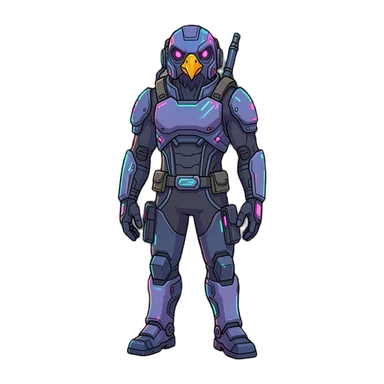
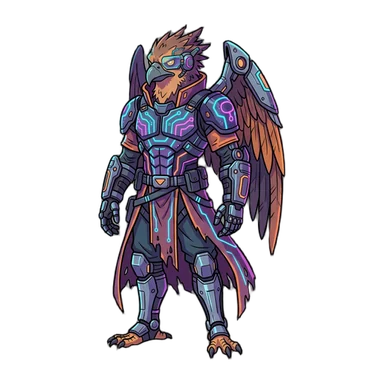
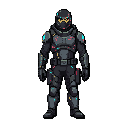
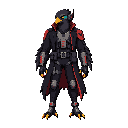
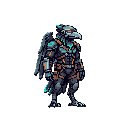
Every model below got the same prompt: “a cyberpunk birdman warrior, full body”. Start cheap with Flux 2 Klein, or pay more for detail and long, specific prompts.
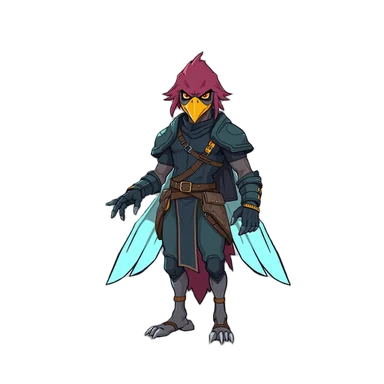
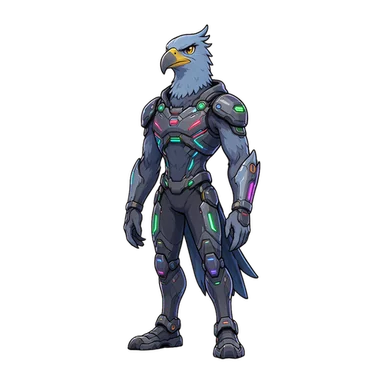
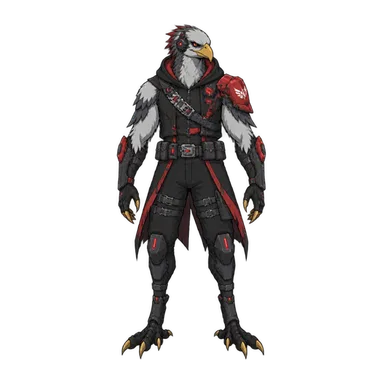
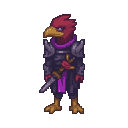
Pixel art at sprite size
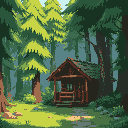
Turn on pixel art and the image comes back small, with hard pixel edges, ready for a sprite sheet. Retro Diffusion draws pixel art natively. Already have an image? Pixelate it for 1 credit.
Keep working on the same image
Every image opens in the editor, so the next step is one click away instead of a new upload.
Describe the change, like “give it a red collar”, and get a new version next to the original.
5 creditsAI image editorTurn it 8 waysGet the same character facing all eight directions for a top-down game.
10 credits8-direction spritesAnimate itMake a walk, run, attack or idle animation from the still image.
15 creditsSprite animationPut it in a gameAsk the game agent to use the image by name, and it wires it into your game’s code.
AI game agentQuestions about the image generator
How much does an image cost?
Between 1 and 15 credits, depending on the model, and $1 buys 100 credits. Flux 2 Klein and Flux Juggernaut cost 1 credit, Nano Banana 2.1 costs 15. Each reference image you attach adds 2 credits.
Which model should I start with?
Flux 2 Klein is the default: fast, cheap and good at clean game characters. Use GPT-Image 2.5 for long, specific prompts or text in the image, Retro Diffusion for true pixel art, and Nano Banana 2.1 for the most detailed hero art.
Can I use my own images?
Yes. Uploading images is free on every plan. Use an upload as a reference for a new image, or open it in the editor and change it.
Do I get transparent sprites?
Yes. Removing the background is free, so characters and items come out ready to drop into a game or a sprite sheet.
More AI tools for game art
Six models compared on the same prompts, with costs.
Pixel art generatorSprites and tiles drawn at pixel size.
AI image editorChange an image by describing the edit.
8-direction spritesOne character, eight facings.
Sprite animationWalk, run and attack cycles from one image.
AI game agentDescribe a game and play it in your browser.
Make your first image Write a prompt, pick a model, and get art you can use in your game.