Pixel art or HD
Pixel art at 32 to 384 px on a real pixel grid, or smooth styles at 512, 768 and 1024 px.
 VOIDLESS.DEV
Describe a character, prop or tile and get a sprite in your game's style and size: pixel art from 32 to 384 px or smooth art up to 1024 px, side-on, top-down or isometric, on a transparent background. Then keep going on the same sprite: turn it to face 8 directions, animate it, and export sprite sheets for Godot or any engine.
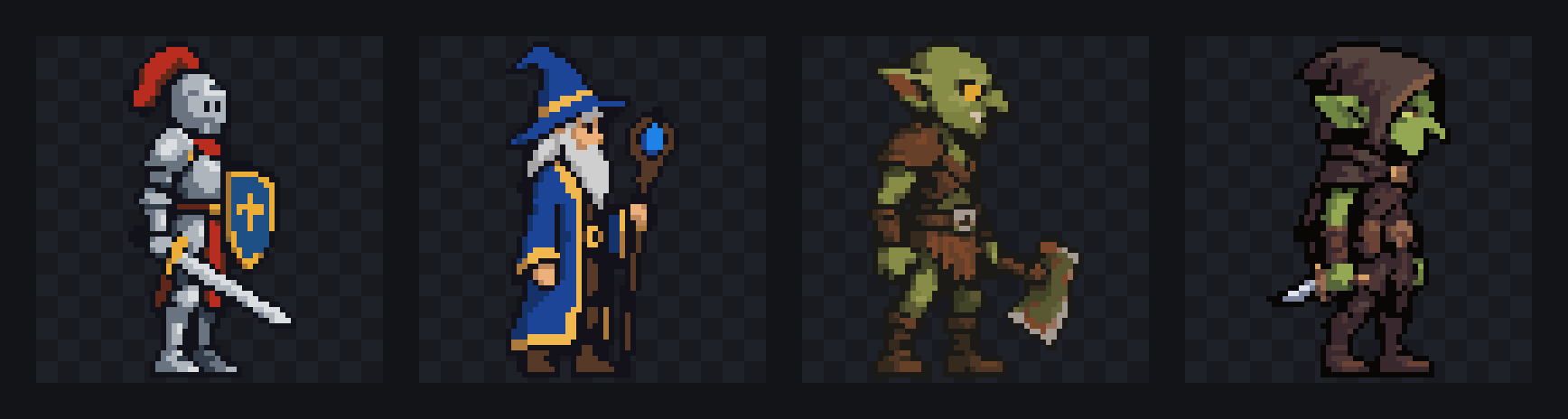
A character, enemy, item, prop or tileset. Pick a style, a size and a view: side, top-down or isometric.
A pixel sprite up to 64 px is 1 credit, a bigger one 3 credits on the default model. Characters come back on a transparent background.
Edit it with words, turn it 8 ways, animate it, or download the PNG and sprite sheets.
Pixel art at 32 to 384 px on a real pixel grid, or smooth styles at 512, 768 and 1024 px.
Pixel Art, Cartoon, Cel Shading, Anime, Hand Drawn, Watercolor and more, each at any pixel size.
Edits, 8-direction turns and animations all start from your sprite, so the design carries through.
Idle, walk, run and attack, from 15 credits a clip, or a whole set at once.
Stray pixels and background leftovers are fixed on every sprite. Got sprites from elsewhere? Clean them up too.
Generate the same sprites from Claude Code, Codex or Cursor with the Voidless MCP server.
It is free to start: a new account gets 60 credits, no card needed. A pixel sprite up to 64 px costs 1 credit and a bigger one 3 credits on the default model. After that, $1 buys 100 credits, with no subscription.
Pixel art at 32, 48, 64, 96, 128, 192, 256 or 384 px, or smooth art at 512, 768 and 1024 px (1024 HD needs Voidless+). 13 style presets, from Pixel Art and Cartoon to Cel Shading, Anime and Watercolor, in a side, top-down or isometric view.
Yes. Describe a move, like walking or casting a spell, for a 15-credit animation, or make a whole set (idle, walk, run, jump, attack, hurt and death) at once. You can also turn it to face all 8 directions for 20 credits.
Yes. You keep ownership of what you make and can use it in commercial and non-commercial projects.
Any. Download PNGs, GIFs or sprite sheets for Godot, Unity, GameMaker, Phaser or your own engine. For Godot, the free SpriteFrames exporter turns a sheet into a ready .tres resource.
Edits, rotations and animations are all drawn from your sprite, and each animation is checked to keep the character's body. A style preset keeps new sprites in one look.
Start free. Voidless+ is one payment, no subscription, and you own everything you make.